Tour the developer dashboard
The portal is where you create keys, test requests, make voices, build agents and watch usage. It is private and needs an account; this page describes what it does today.
The two screenshots below are the real portal with the email address blurred out. We never show keys, recordings, billing details or admin tools, so the Voice API and Settings tabs are described in words.
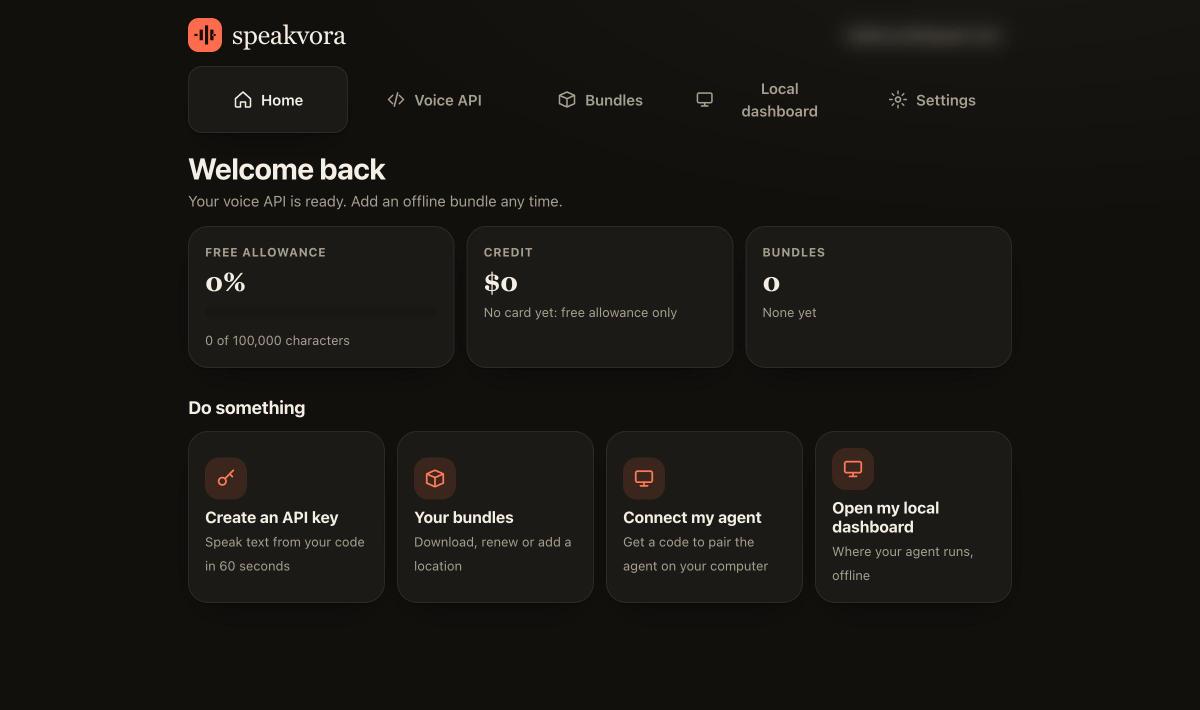
Home
Your free allowance, credit and agents at a glance, with one-click actions: create an API key, open your agents, connect your agent, open your local dashboard.
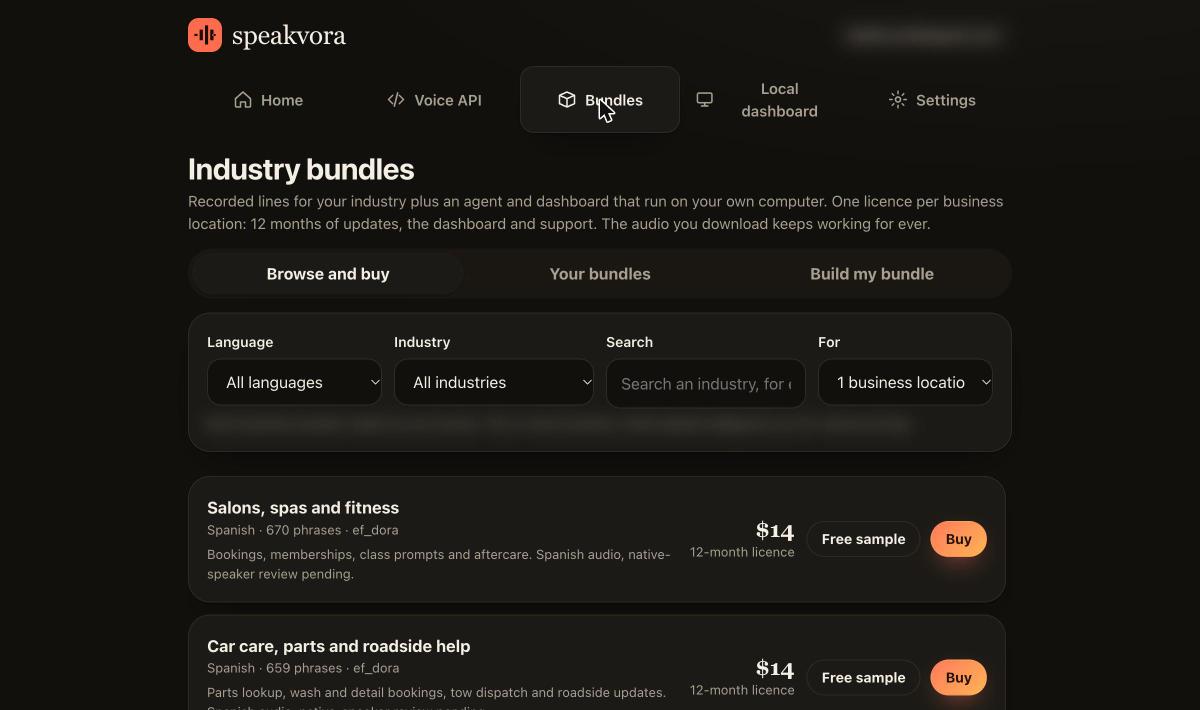
Agents
Browse and buy industry agents by language, industry and number of business locations, hear the free sample, download the agents you own and, if you want support and upgrades after the first 12 months, add the optional support plan.
Create an API key
Name a key, copy it once, and keep it on your server. Up to 5 active keys.
Test and copy code
Send a test sentence from the portal, then copy ready-made cURL, JavaScript or Python.
Quick start →Get packs
Packs are listed publicly; entitlements for purchased packs live in your account.
Industry packs →Troubleshoot
A built-in troubleshooter checks that the API is reachable and your key works, and answers questions from the documentation.
Troubleshooting →