Create your first voice API key and add it to your app
From nothing to your own voice speaking inside your app: make the voice, get a key, send one request, add it to your server and switch to a library voice.
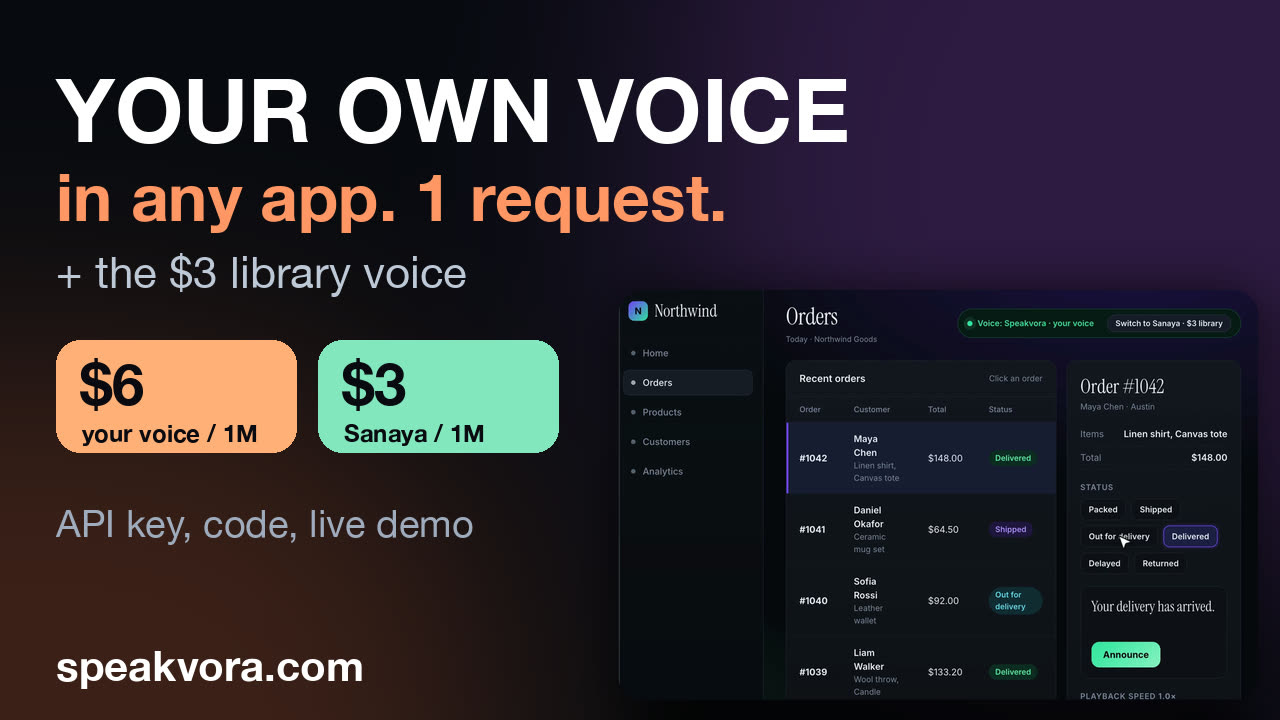 Watch the demo (4 min 54 s)Record your voice, get a key, make one request, add it to a small order app, then switch to the library voice Sanaya by changing one line. Opens on YouTube.
This is the written version of the demo above. It takes about ten minutes if you already have an app. The key stays on a server you control: never in a browser, a mobile app or git.
1. Make your voice
Open the dashboard, choose Create voice, press record and read a short paragraph (about twenty seconds). Only use your own voice, or one you have written permission to use. The voice is built and checked, which takes anywhere from seconds to a couple of minutes, and then it appears under My voices with a voice ID that starts with cv_.
2. Pay to use it in code
Your own voice is $6 per million characters; library voices are $3 per million. Press Pay now in the dashboard to pay as you go with a card or add credit. Our first 1,000 customers get their first top-up matched. The terms, including the monthly minimum for pay as you go, are on the pricing page.
3. Create an API key
In API keys, create one and copy it once. Put it in an environment variable on your server, for example SPEAKVORA_KEY.
4. Make your first request
cURL
curl -X POST https://speakvora.com/api/v1/speak -H "x-api-key: $SPEAKVORA_KEY" -H "content-type: application/json" \
  -d '{"text":"Your order has shipped.","voice":"cv_YOUR_VOICE_ID","lang":"en"}'

# 200 {"url":"https://...","source":"generated"}  (the link expires in about five minutes: play it or save your own copy)
5. Add it to your app
One route on your server takes the sentence, calls Speakvora with the key and your voice ID, and returns the audio link. The browser never sees the key.
server.js
import express from "express";
const app = express(); app.use(express.json());

app.post("/api/say", async (req, res) => {
  const text = String(req.body.text || "").slice(0, 500);
  const r = await fetch("https://speakvora.com/api/v1/speak", {
    method: "POST",
    headers: { "x-api-key": process.env.SPEAKVORA_KEY, "content-type": "application/json" },
    body: JSON.stringify({ text, voice: process.env.SPEAKVORA_VOICE, lang: "en" }),
  });
  const j = await r.json();
  res.status(r.status).json(r.ok ? { url: j.url } : { error: j.error });
});
app.listen(3000);
6. Make repeated lines instant
A brand new sentence in your own voice takes a second or two. Lines your app says again and again, like "your order has shipped", can be prepared ahead of time with one request; prepared lines then play back in about a quarter of a second, and preparing is not billed (you pay when you play them).
cURL
curl -X POST https://speakvora.com/api/v1/prepare -H "x-api-key: $SPEAKVORA_KEY" -H "content-type: application/json" \
  -d '{"voice":"cv_YOUR_VOICE_ID","lang":"en","texts":["Your order has shipped.","Your table is ready."]}'

# 200 {"ready":0,"queued":2,"rejected":[]}
7. Switch to a library voice
You do not have to record anything to use the $3 library. Change one value, the voice: Sanaya is af_heart. Same route, same key, same request.
The honest part
- A brand new sentence takes about a second with a library voice and a second or two with your own voice, so save audio you reuse or prepare it ahead.
- The voices are synthetic. Where the law or good practice requires it, tell listeners they are hearing an automated voice.
- Prices can change; the pricing page is the source of truth.
Where to go next
- Use your own voice in your apps: three setups (web, mobile, kiosk) and a complete server route.
- Save and reuse generated audio
- Developer docs and the JavaScript and Python SDKs.
- Offline voice packs by industry: pay once, play with no connection.